


 Merch
Merch Medical card
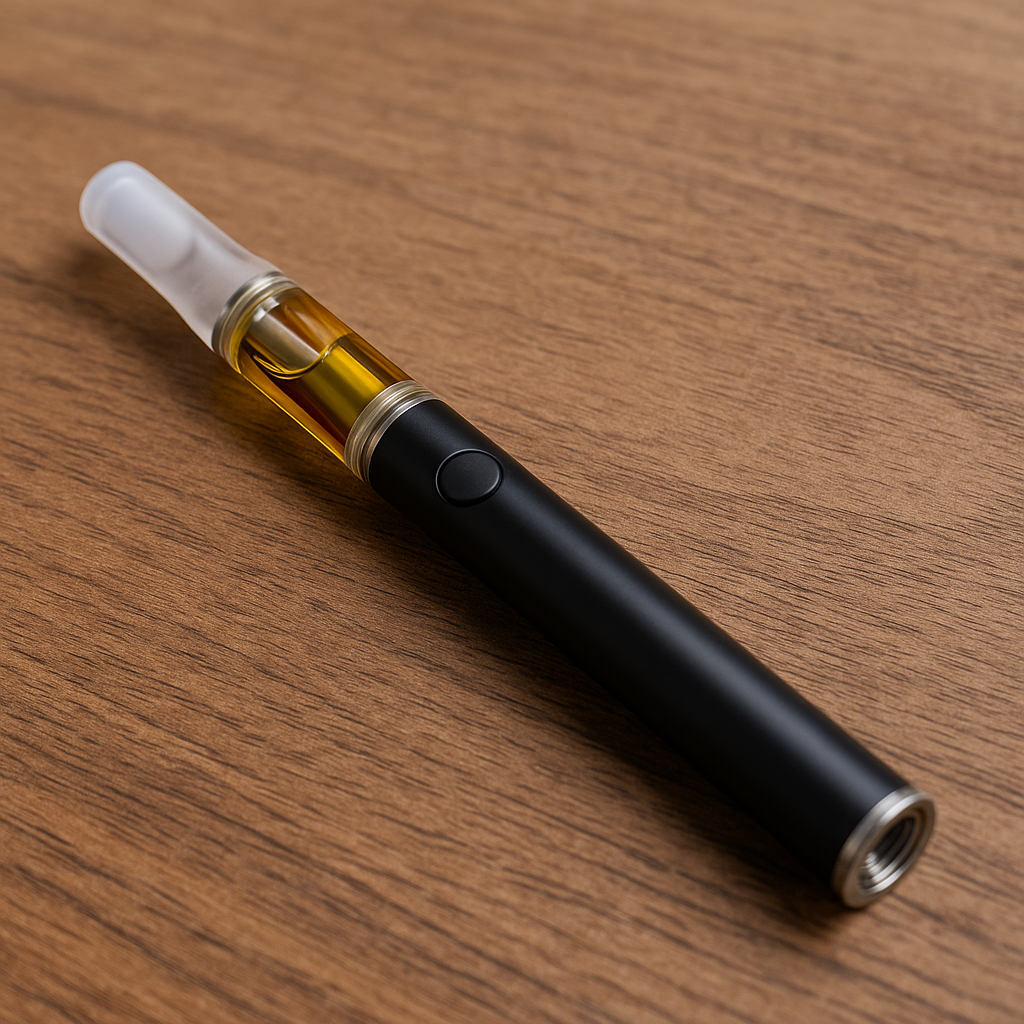
Step 1: Charging Your Battery
Before first use, fully charge your 510 battery using the included USB charger. Most batteries feature LED indicators that show charging status—typically red while charging and green when complete. Charging usually takes 1-3 hours depending on battery capacity.
Pro Tip: Never leave your battery charging unattended overnight or for extended periods to ensure safety and longevity.


Step 2: Attaching Your Cartridge
To attach a cartridge to your 510 battery, gently screw the cartridge onto the battery’s threading in a clockwise direction. Be careful not to overtighten, as this can damage both the cartridge and battery connections. The cartridge should feel snug but shouldn’t require excessive force. If it doesn’t screw on easily, check for debris or cross-threading.
Step 3: Activating Your Device
For button-activated batteries, rapidly press the power button five times to turn the device on or off. To use, press and hold the button while inhaling. For draw-activated models, simply inhale from the mouthpiece. Start with short, gentle draws to gauge the strength before taking longer pulls.
Step 4: Adjusting Voltage Settings
If your battery has variable voltage, you’ll typically cycle through voltage settings by clicking the button three times. Different colored LED lights usually indicate different voltage levels. Start at the lowest setting to preserve flavor and cartridge life, then adjust upward if you want more vapor production.
Understanding Voltage Settings: Finding Your Perfect Temperature
Voltage selection significantly impacts your vaping experience. Here’s what to expect at different ranges:
Low Voltage (2.0V – 2.8V): Ideal for preserving flavor and extending cartridge life. Produces less vapor but offers the smoothest, most flavorful hits. Best for ceramic or low-resistance cartridges.
Medium Voltage (2.8V – 3.6V): The sweet spot for most users, balancing flavor, vapor production, and efficiency. This range works well with most standard cartridges.
High Voltage (3.6V – 4.0V): Produces maximum vapor but can sacrifice flavor and may burn through oil faster. Best for thick oils or when you want bigger clouds. Be cautious as excessive heat can damage cartridges.
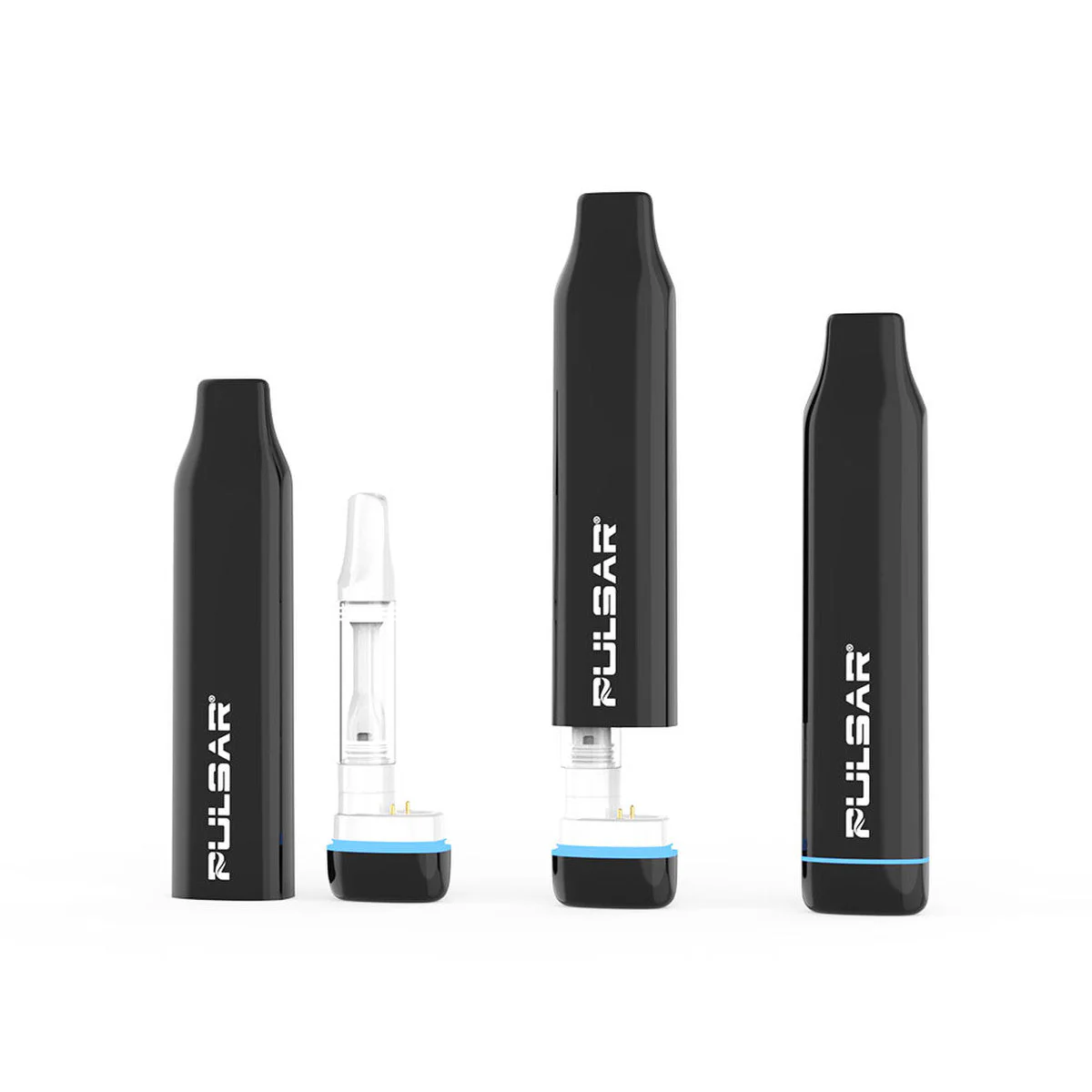
Battery Maintenance and Care: Extend Your Device’s Lifespan
Cleaning Your Battery
Regular cleaning ensures optimal performance and extends battery life. Use a cotton swab dipped in rubbing alcohol to clean the battery connection threads weekly. Remove any residue or oil that accumulates around the threading. Always ensure the battery is off and disconnected from cartridges before cleaning.
Proper Storage
Store your 510 battery in a cool, dry place away from direct sunlight and extreme temperatures. Avoid leaving it in hot cars or freezing conditions, as temperature extremes can damage the internal components and reduce battery lifespan. When not in use, store the battery at around 50% charge for optimal longevity.
Battery Lifespan
Most 510 batteries last 6-12 months with regular use, though this varies based on usage frequency and care. Signs your battery needs replacement include difficulty holding a charge, inconsistent heating, or physical damage to the casing or connections. Investing in a quality battery from the start can significantly extend its useful life.
Browse our complete selection of vaporizer accessories to keep your device in top condition.
Common Issues and Troubleshooting
Battery Won’t Turn On
If your battery isn’t responding, try pressing the power button five times rapidly. Ensure the battery is charged—connect it to the charger and check for indicator lights. If still unresponsive, the battery may be defective or have reached the end of its lifespan.
Weak or No Vapor Production
Check that your cartridge is properly attached and making good contact with the battery. Clean the connection points on both the battery and cartridge. Try adjusting to a higher voltage setting if available. If the cartridge is new and the issue persists, the cartridge itself may be faulty.
Battery Gets Too Hot
If your battery becomes uncomfortably hot during use, stop immediately and allow it to cool. This often indicates you’re taking draws that are too long or using too high a voltage setting. Limit draws to 3-5 seconds and reduce voltage. Persistent overheating may indicate a battery malfunction requiring replacement.
Blinking Lights
Different blink patterns indicate various issues. Rapid blinking during use often means the battery is dead or the connection isn’t secure. Blinking during charging typically indicates charging in progress. Consult your specific battery’s manual for exact meanings, as patterns vary by manufacturer.
Safety Tips for 510 Battery Use
Always purchase batteries from reputable retailers to ensure quality and safety standards. Avoid cheap, counterfeit batteries that may lack proper safety features. Never use a damaged battery, especially if the casing is cracked or the connection is loose.
Don’t leave batteries charging unattended, and only use the provided charger or a compatible replacement. Mixing chargers can lead to improper charging rates that damage the battery or create safety hazards.
Keep batteries away from metal objects like keys or coins that could short-circuit the device. Transport batteries in protective cases when carrying them in bags or pockets.


Sign up for bi-weekly updates, packed full of cannabis education, recipes, and tips. Your inbox will love it.